REAL APP FEATURE
Session mode and archive
Count a temporary run, then commit or discard it.
How it works
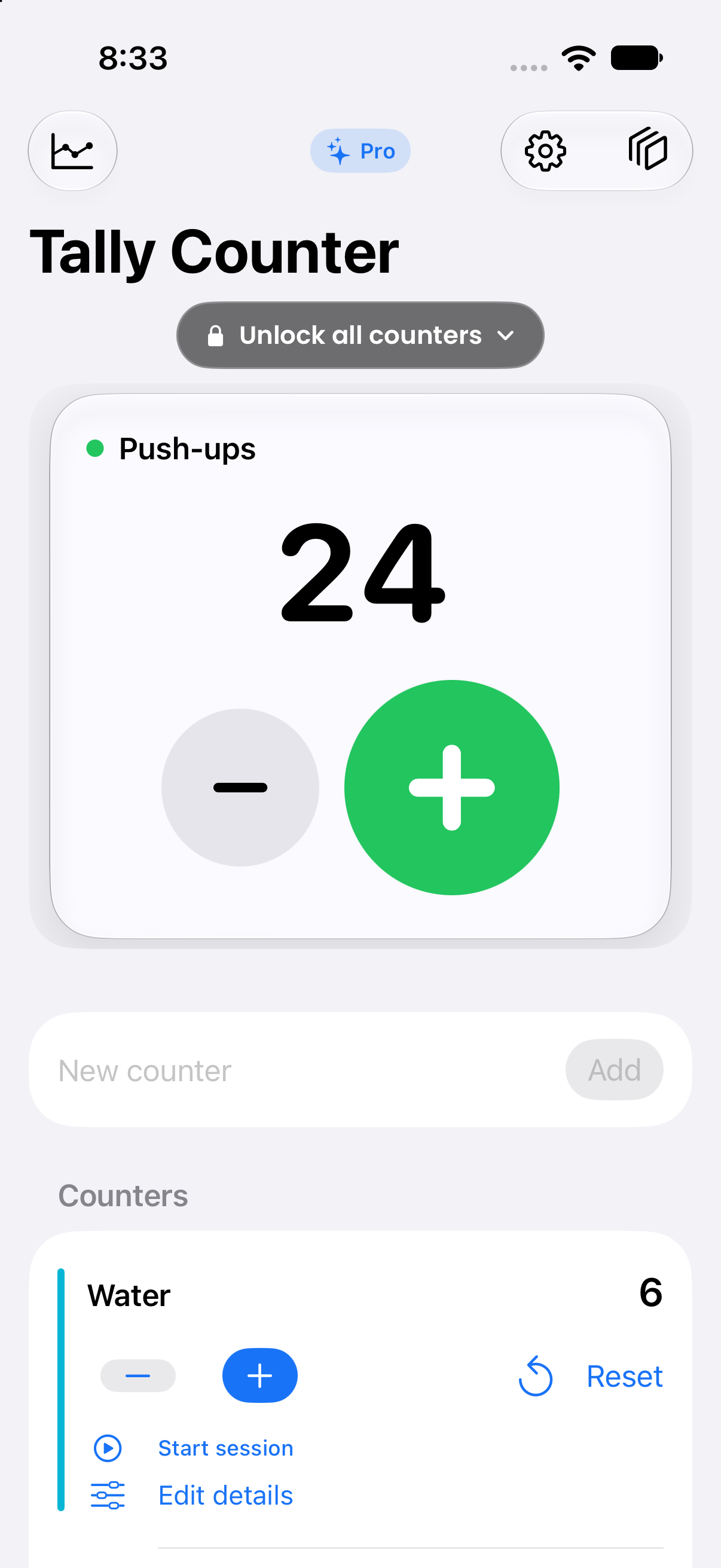
Session mode separates a temporary tally from your main count. You can commit or discard the session. Archive saves a dated snapshot and resets counters, with a recent-archive restore option.
Use the large controls in the app to make or correct a count. Choose a clear name for each tally so its history stays understandable when you return later.
Use it for
- Keeping the current tally visible during a busy task.
- Checking the result before sharing or exporting.
- Continuing a count without rebuilding your setup.